Every QR code generator asks the same question sooner or later: static or dynamic? The two look identical on paper, but they behave very differently once the code is printed. Choose the wrong one and you can end up reprinting a whole stack of menus because a link changed. This guide explains how static and dynamic QR codes work, what each one can and can't do, and how to pick the right type for the job in front of you.
What is a static QR code?
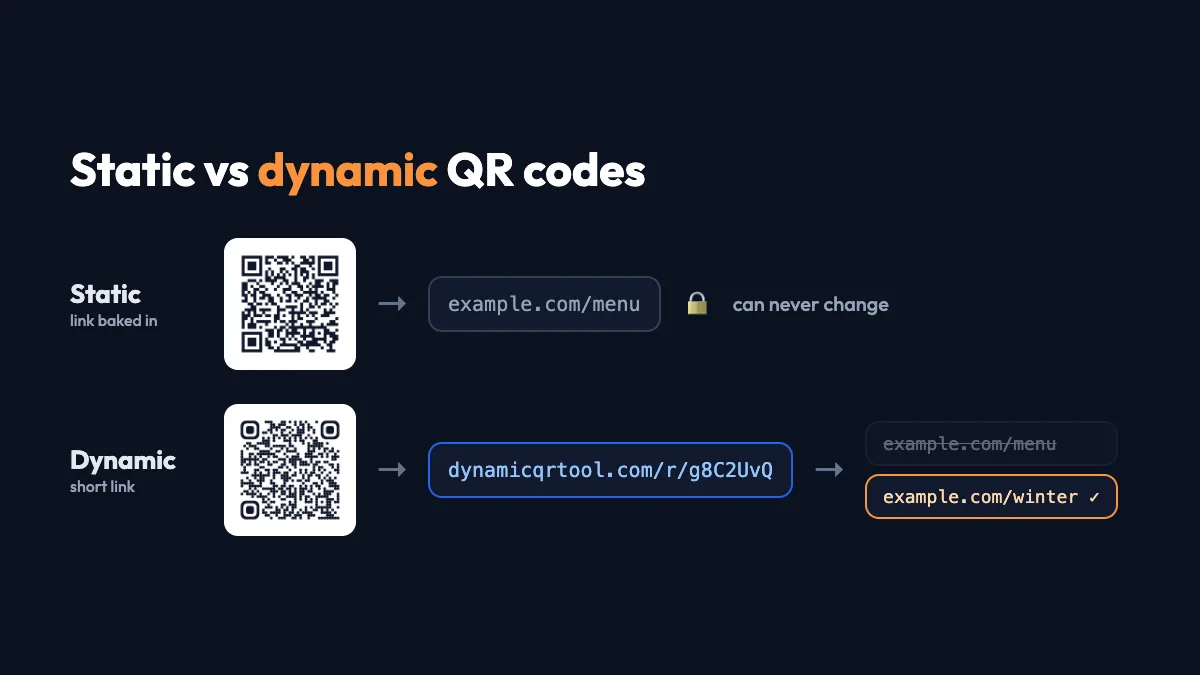
A static QR code stores its content directly in the black-and-white pattern. If you encode https://example.com/menu, those characters are literally written into the squares. A phone camera reads the pattern, decodes the text and opens the link. No server is involved.
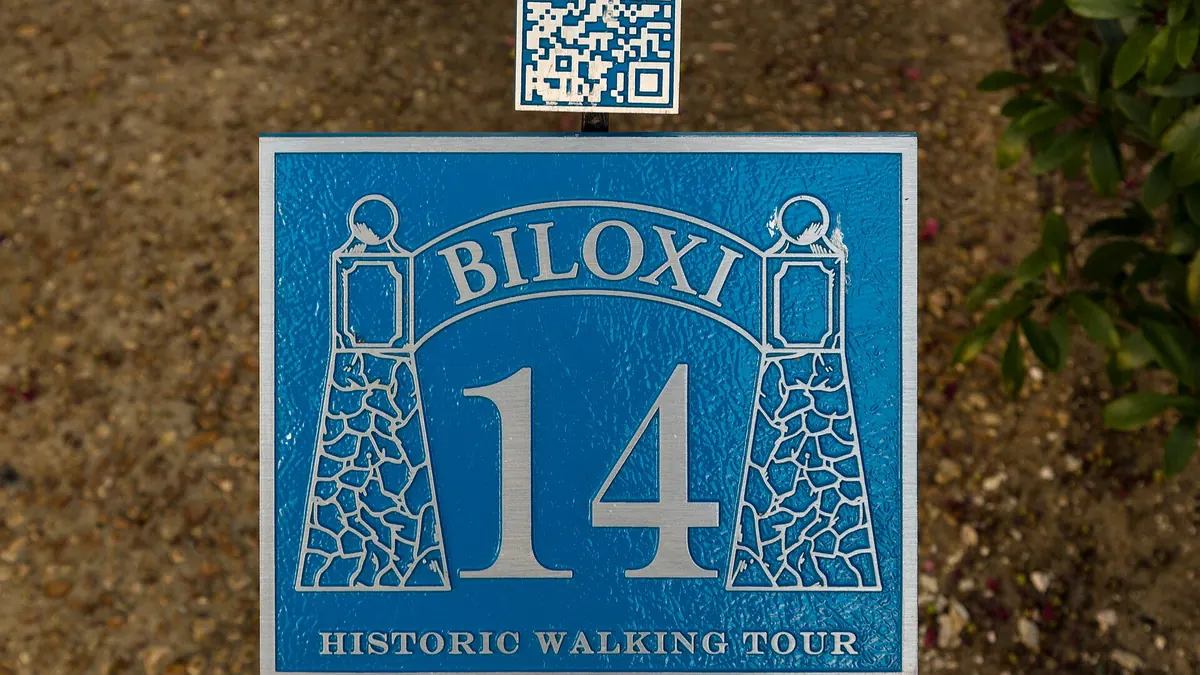
That has two consequences. First, a static code can never change: the content is the image, so a new link means a new code. Second, it works forever and everywhere, with no account, no subscription and no company that has to stay in business. QR codes were invented in 1994 by Denso Wave to track car parts (history on Wikipedia), and a static code printed back then still scans today.
Static codes can hold more than links. Some content types only make sense as static codes:
- WiFi login. The network name and password are encoded so a phone can join with one tap.
- Contact cards (vCard). Name, phone, email and company are saved straight into the phone's contacts.
- Plain text and email drafts. A short note, or a pre-filled email to a given address.
What is a dynamic QR code?
A dynamic QR code stores a short link instead of your final destination, for example dynamicqrtool.com/r/g8C2UvQ. When someone scans it, that short link forwards them to whatever destination you have set right now. You control the destination from a dashboard, so you can change it at any time and every printed copy follows instantly.
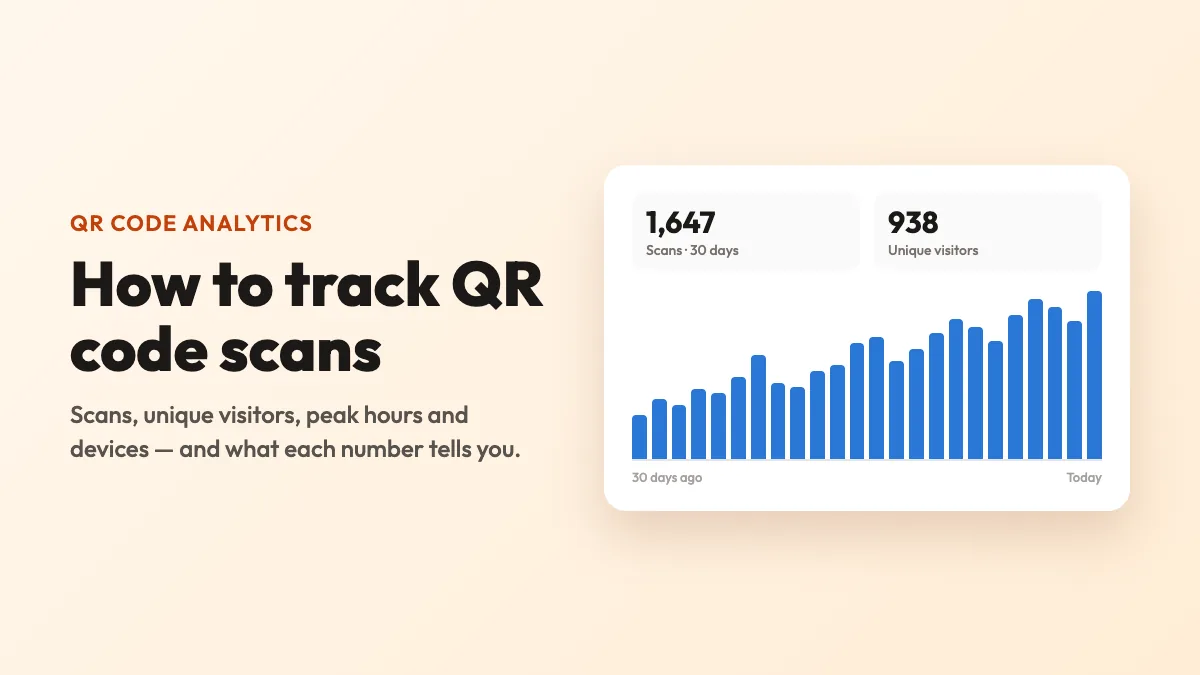
Because every scan passes through that short link, a dynamic code can also count scans. You see how many people scanned, when, roughly where (country and city from the network, not GPS) and on what kind of device, without collecting personal data about them.
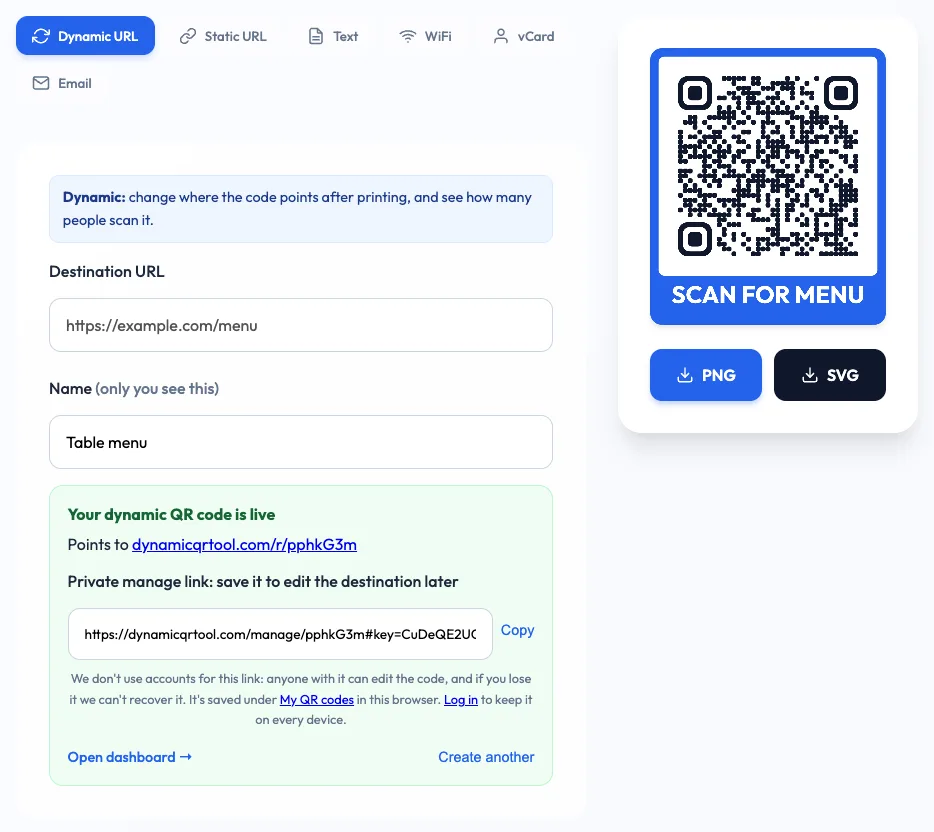
Here is what creating one looks like on Dynamic QR Tool's free generator: paste the destination, give the code a name only you will see, style it, and click create. The page gives you the scannable code and a private link for editing it later.
Static vs dynamic QR codes at a glance
| Static QR code | Dynamic QR code | |
|---|---|---|
| What's encoded | Your content itself | A short redirect link |
| Change the link after printing | No, you need a new code | Yes, any time |
| Scan statistics | No | Yes: scans, unique visitors, time, place, device |
| Pause or switch off | No | Yes |
| Depends on a service | No, works offline forever | Yes, the redirect must stay online |
| Pattern density | Grows with long URLs | Always short, so a cleaner and easier-to-scan pattern |
| Best for | WiFi, vCards, fixed text | Anything printed that links to a web page |
The biggest difference: editing after printing
Print is permanent, and web pages are not. Menus get new dishes, event pages move to a new URL after the event, landing pages are rebuilt, and someone eventually spots a typo in a link that was printed 5,000 times. With a static code, every one of those moments means reprinting.
With a dynamic code you open the code's dashboard, paste the new address and save. Nothing about the printed square changes, but every scan now lands on the new page. On Dynamic QR Tool the change applies immediately, and you can also pause a code (scanners see a short "paused" notice) or delete it entirely.
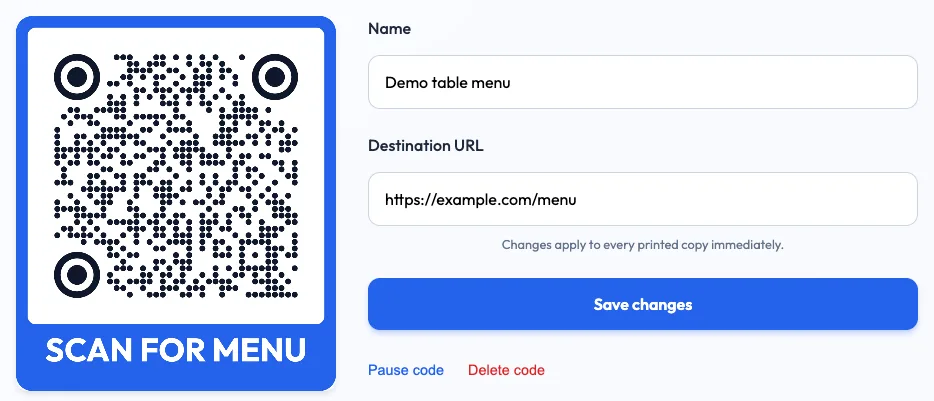
Rule of thumb: if the QR code links to a web page and will be printed, make it dynamic. If it holds the data itself (WiFi, contact details), make it static.
Tracking: know whether the code actually works
A static code gives you no feedback at all. You can't tell whether the poster by the entrance was scanned ten times or ten thousand. A dynamic code turns every placement into something you can measure:
- Scans and unique visitors over 7, 30 or 90 days, compared with the previous period.
- When people scan, shown as a day-by-hour heatmap. That's useful for deciding when to put staff next to a sign.
- Where and on what: countries, cities, iPhone or Android, browser and language.
Give each placement its own code (one for the window, one for the counter, one for the flyer) and you can compare them directly. If you also run web analytics, you can add UTM parameters to the destination URL so the visits are labelled in your analytics tool too.
Common worries about dynamic codes
"Will my dynamic code stop working?"
This is a fair concern. Many generators offer "free" dynamic codes that stop redirecting when a trial ends unless you subscribe. Before you print, check what happens after the trial. Dynamic codes on Dynamic QR Tool have no expiry date and no scan limit, and there is no paid plan to push you into. The general point still applies, though: a dynamic code relies on its redirect service, so pick one you trust. We cover this in detail in Do QR codes expire?
"Are dynamic codes slower to scan?"
The redirect adds a fraction of a second, which people don't notice. The pattern itself is often easier to scan, because a short link needs fewer modules than a long URL with tracking parameters. That matters most when the code is printed small.
"What about privacy?"
A static code reveals nothing to anyone, because there is no server. A dynamic code's service sees each scan. A responsible service aggregates the numbers instead of profiling people: Dynamic QR Tool sets no cookies on the redirect, stores no IP addresses and only shows aggregated counts.
Which one should you choose?
Use this quick decision list:
- Restaurant menus, specials, ordering. Dynamic. Menus change constantly; see the QR code generator for restaurant menus.
- Flyers, posters and print ads. Dynamic, so you can fix links, reuse leftover stock for the next campaign and measure each placement. Start with the QR code generator for flyers.
- Business cards. Dynamic if it links to a profile page you may update; static vCard if you only want the details saved offline.
- Guest WiFi. Static. Regenerate it only if you change the password.
- Product packaging. Dynamic. Packaging lives for years and the page behind it will change.
- One-off personal use (a link to share at a party). Either works; static is the simplest.
How to make each type
Both types are free on the Dynamic QR Tool generator. For a dynamic code, stay on the Dynamic URL tab, paste your link and click Create dynamic QR code. Save the private manage link it gives you, or log in so the code is kept in your account. For a static code, pick Static URL, WiFi, vCard, Text or Email. Those are generated in your browser and never touch a server.
Whichever you choose, finish the same way: keep a dark code on a light background, add a short call to action under it ("Scan for today's menu" beats "Scan me"), download SVG for print, and test the final print with both an iPhone and an Android phone before the big run.