A QR code is a link you cannot read. That is what makes it handy on a poster and what makes it useful to criminals: nobody can tell a real code from a fake one by looking at the black squares. QR code scams, sometimes called "quishing" (QR phishing), use that blind spot to send people to fake login pages, fake payment pages or unwanted downloads. This guide shows where fake codes turn up, the checks that take a few seconds before you tap, what to do if you already scanned one, and how to make the codes you print harder to abuse.
Why QR codes are attractive to scammers
A normal phishing link has to get past spam filters and a reader who can hover over it. A QR code skips both, moves the victim to a phone where the address bar is small, and a printed code borrows the trust of whatever it is stuck on: a parking machine, a restaurant table, a charity poster.
The US Federal Trade Commission describes the pattern in its consumer alert "Scammers hide harmful links in QR codes to steal your information": a code can take you to a spoofed site that looks real, and scanning it can open the door to malware. The FBI's Internet Crime Complaint Center issued a similar warning in its public service announcement "Cybercriminals Tampering with QR Codes to Steal Victim Funds".
Common QR code scams and where they show up
Most QR code scams fall into a handful of patterns. The first three below come from the FTC and FBI alerts linked above; the last two are the same tricks applied elsewhere.
| Where you see it | What happens | Red flag |
|---|---|---|
| Parking machines, payment signs, shop counters | A sticker with the scammer's code is placed over the real one, so payments or card details go to them | A sticker that sits on top of the printed sign, peels at the edge or looks newer than the sign |
| Emails and text messages | "Your package could not be delivered", "problem with your account" or "suspicious activity, change your password", with a code to scan | An unexpected message, urgency, and a code instead of a normal link |
| "Payment failed" emails | A message about a purchase that says you can only pay by scanning a code | Any company that insists a QR code is the only way to pay |
| Codes that offer an app | The code leads to a download outside the official app store | A download that starts straight from the browser |
| Flyers and donation posters | A copied poster or an extra sticker points to a look-alike giving page | A giving page on a domain that does not match the organisation's name |
How to spot a fake QR code before you tap
You do not need a special app: the FBI notice advises against third-party QR scanner apps, since most phone cameras already read codes. You need a short routine:
- Touch the code. On printed signs, run a finger over it. A code on a separate sticker, especially one covering another code, is the classic tamper sign.
- Read the preview, then decide. Phone cameras show the link, or at least its domain, before opening it. Treat that preview as the moment to stop.
- Find the real domain. Look at the name right before the first single slash. Familiar words to the left of it prove nothing (see the image below).
- Watch for swapped characters. The FTC alert points out misspellings and switched letters in links that look familiar, such as a digit 1 in place of a lowercase l.
- Stop at a login or payment form. If a code from a poster or a message asks for a password, card number or bank login, close it and go to the company's site or app yourself.
- Never install from a code. Get apps from the App Store or Google Play by searching for them by name.
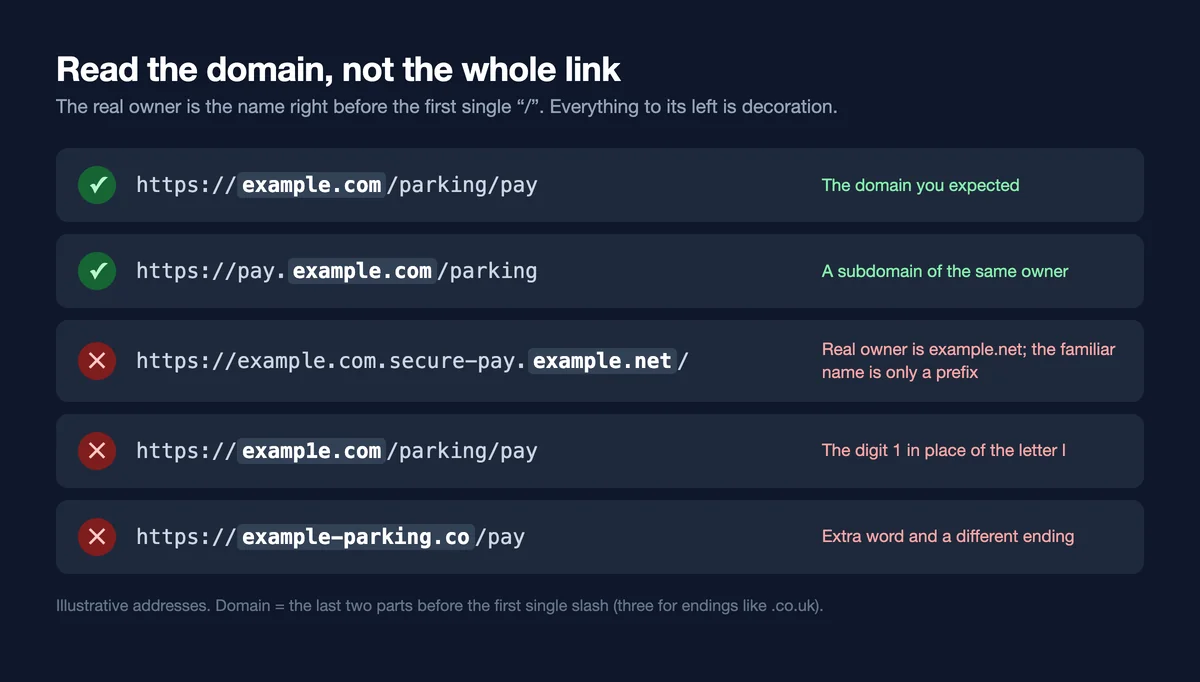
A link such as example.com.secure-pay.example.net starts with a name you know, but the site belongs to whoever owns example.net. Scammers rely on people reading the first few words and stopping there.
A QR code is just a link in disguise. Before you tap, check two things: is the code printed on the sign or stuck on top of it, and does the domain in the preview belong to the organisation you expect?
Is it safe to scan a QR code at all?
Usually, yes. Scanning only reads the link; the risk starts with what you do on the page that opens. A menu code that opens a menu is fine. A parking code that asks for your card is where you slow down: check the domain, or use the operator's official app instead. Keep your phone's operating system updated, and use strong passwords with multi-factor authentication, as the FTC recommends, so that a stolen password alone is not enough.
What to do if you already scanned a suspicious code
- Close the page. Do not fill in anything else, and do not install anything it offers.
- If you typed a password, change it on the real site straight away, plus any other account that uses the same password, and turn on multi-factor authentication.
- If you entered card or bank details, call your bank using the number on your card or its official website, and ask them to block the card and watch for charges.
- If you installed an app, uninstall it and check for profiles or permissions you did not add.
- Report it. In the US, report fraud to the FTC at ReportFraud.ftc.gov and online crime to the FBI at ic3.gov. Tell the owner of the place where the code was posted, such as the car park operator or shop, so they can remove it.
- Report the code to the QR service too. If the preview showed a QR redirect service's domain, report the code there so it can be disabled for everyone.
Protecting the QR codes you put out
If you print codes for a business, charity or clinic, a scammer's sticker over your code hurts your customers and your name. These habits make tampering harder and easier to spot:
- Print the domain next to the code. "Donate at example.org/give" under the code gives people something to compare with the scan preview. A QR code for donations should always say which organisation it belongs to.
- Print the code into the design. A code that is part of the printed sign, behind glass or laminated, is much harder to cover convincingly than a loose sticker.
- Check your signs. Whoever already checks the posters, machines or tables should look at the codes and scan them now and then.
- Do not ask for sensitive data on the first page. A QR code for patient forms should open your clinic's real form on your own domain, with your name and logo visible, so patients can tell it is genuine.
- Avoid link shorteners. A shortened link hides the final address from the person scanning, which is exactly the habit you want them to distrust.
- Use a code you can fix. With a dynamic code you can change the link after printing, pause it if signs are tampered with, and watch scan numbers for odd spikes.
How Dynamic QR Tool handles abuse
A dynamic code passes through a redirect, so the service itself has to keep scammers out. Here is what Dynamic QR Tool does:
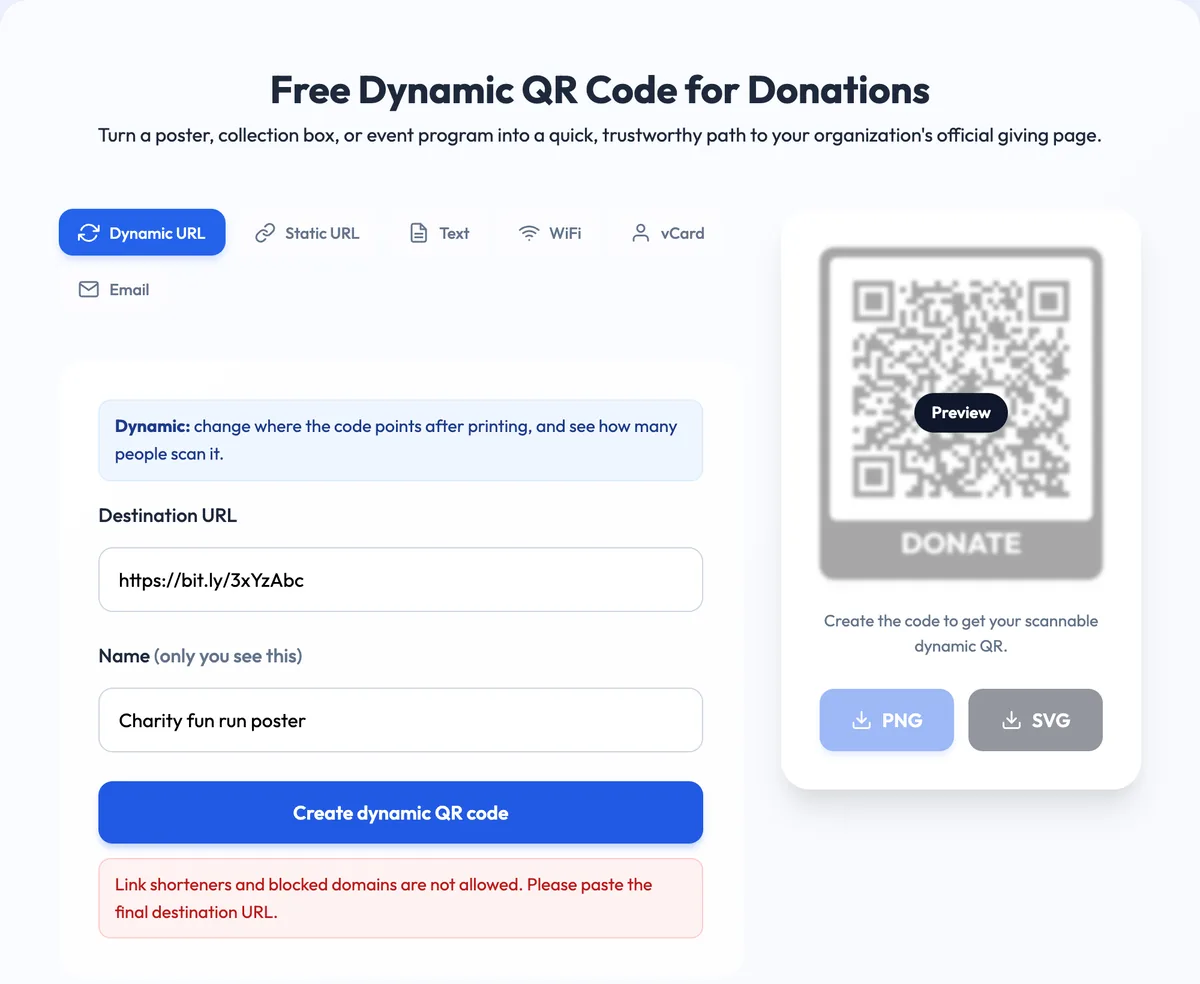
- Hidden destinations are refused. Codes cannot point to common link shorteners such as bit.ly or TinyURL, to domains we have blocked, or to another Dynamic QR Tool link, because redirect chains hide where a code really goes.
- Only plain web links. Destinations must be public http or https addresses; links with a username and password embedded in them are rejected.
- Creation limits. Anyone can create codes, but anonymous visitors are limited to 20 dynamic codes per day.
Anyone who lands somewhere harmful can use the Report a QR code page and pick a reason: phishing, scam, malware, adult or illegal content, or other. When several different people report the same code, the next person who scans it sees a warning page with the full destination address before they can continue. Codes we confirm as abusive are disabled and show a "This QR code has been disabled" page instead of redirecting.
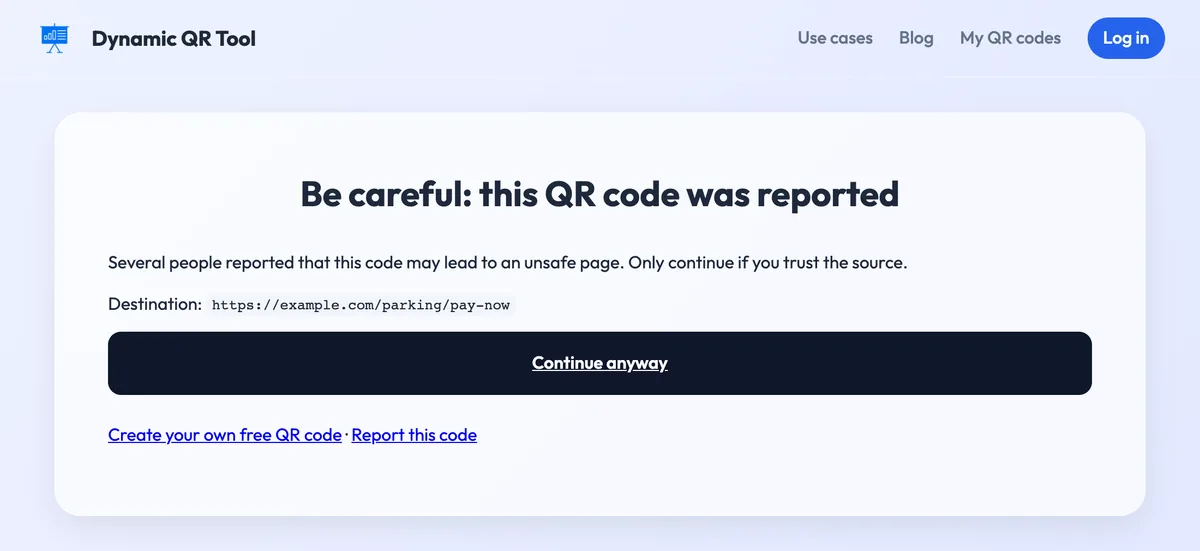
These checks reduce abuse; they do not vet every website. A code can point to a brand-new scam domain until someone reports it, so the checks in this guide still matter on any QR code, including ours.
A 10-second QR code security routine
Scanning: feel for a sticker, read the preview, find the real domain, and never type a password or card number into a page reached from a code you did not expect. Printing: put your domain next to the code, make it hard to cover and check it regularly. Ready to print one? Create a free dynamic QR code with a CTA frame that names your organisation.
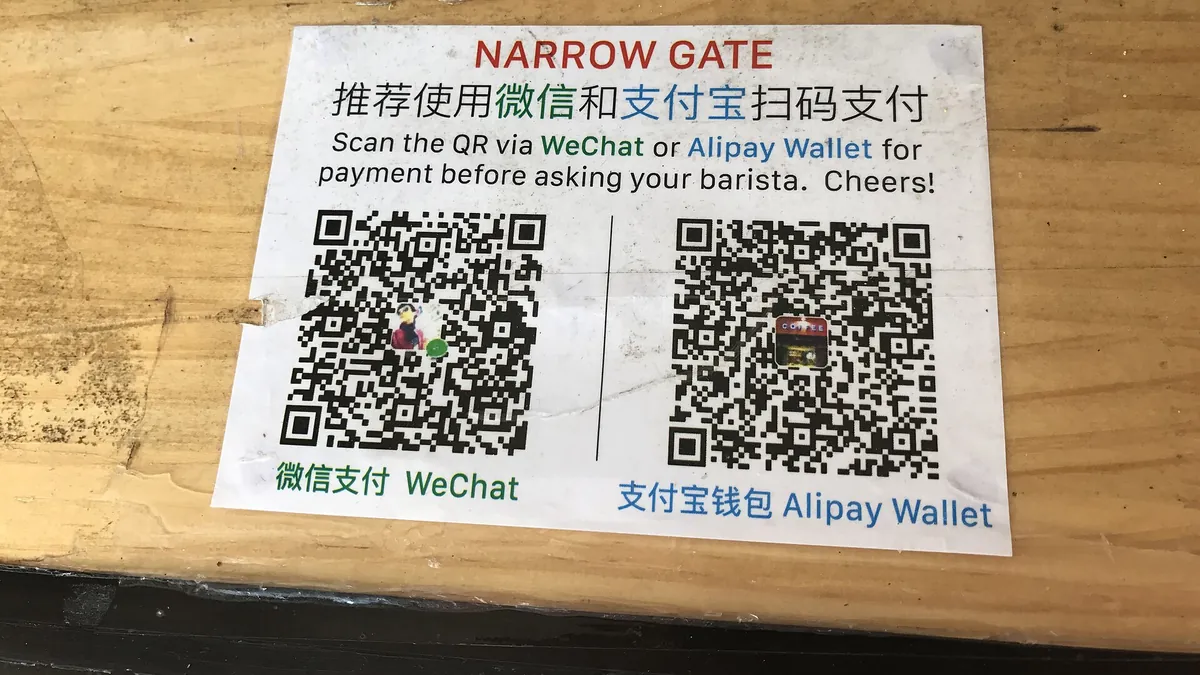
Cover photo: "QR codes for mobile pay in China" by Harald Groven, Wikimedia Commons, CC BY-SA 2.0.