A QR code that's too small is one of the most common print mistakes, and one of the most expensive to fix. It looks fine on your screen, passes a quick test at your desk, and then nobody can scan it from the pavement. So what QR code size should you use for print? The short answer is a simple rule: make the code at least one-tenth of the distance people will scan it from, and never smaller than about 2 × 2 cm. The rest of this guide covers sizes for each format, what really limits scanning, and how to prepare a file that stays sharp at any size.
The 10:1 rule
A widely used rule of thumb says the scanning distance should be no more than about ten times the width of the code. Divide the distance by ten to get a starting size:
- Scanned from 30 cm away: 3 cm wide.
- Scanned from 1 m away: 10 cm wide.
- Scanned from 5 m away: 50 cm wide.
It isn't a technical standard, and a modern phone in good light will often do better. Treat it as a safe margin that also allows for older phones, poor lighting and people who won't walk closer. The important step is measuring the real distance. Stand where a person would actually stand, not where you'd like them to.
QR code sizes by format
| Format | Typical distance | Suggested code width |
|---|---|---|
| Business card | 15–25 cm | 2–2.5 cm |
| Product packaging, label | 15–30 cm | 2–3 cm |
| Flyer, brochure, menu | 30–40 cm | 3–4 cm |
| Table tent, magazine ad | 40–60 cm | 4–6 cm |
| A3 poster on a wall | 1 m | 10 cm |
| Large poster, store window | 2 m | 20 cm |
| Banner at an event | 5 m | 50 cm |
| Billboard | 20 m or more | 2 m or more |
These are starting points for typical use. For specific advice by format, see our pages for business card QR codes, poster QR codes and billboard QR codes. A billboard also raises a bigger question than size: can people safely stop and scan it? A code on a roadside hoarding seen from a moving car won't get many scans, however big it is. Codes work best on billboards at stations, bus stops and other places where people are standing still.
What really limits scanning: module size
A phone doesn't care about the total width of the code. It needs to see the individual squares, known as modules, clearly enough to tell them apart. The more data in a code, the more modules it has, as explained by the QR code versions table from Denso Wave, the company that invented the QR code. Version 1 has 21 × 21 modules, and each version adds four more per side, up to 177 × 177.
In practice, this gives you two ways to make a code easier to scan at the same printed size:
- Shorten what's inside. A long URL with tracking parameters creates a dense code with tiny modules. A dynamic code contains only a short link like dynamicqrtool.com/r/abc1234, however long your real destination is. Read more in static vs dynamic QR codes.
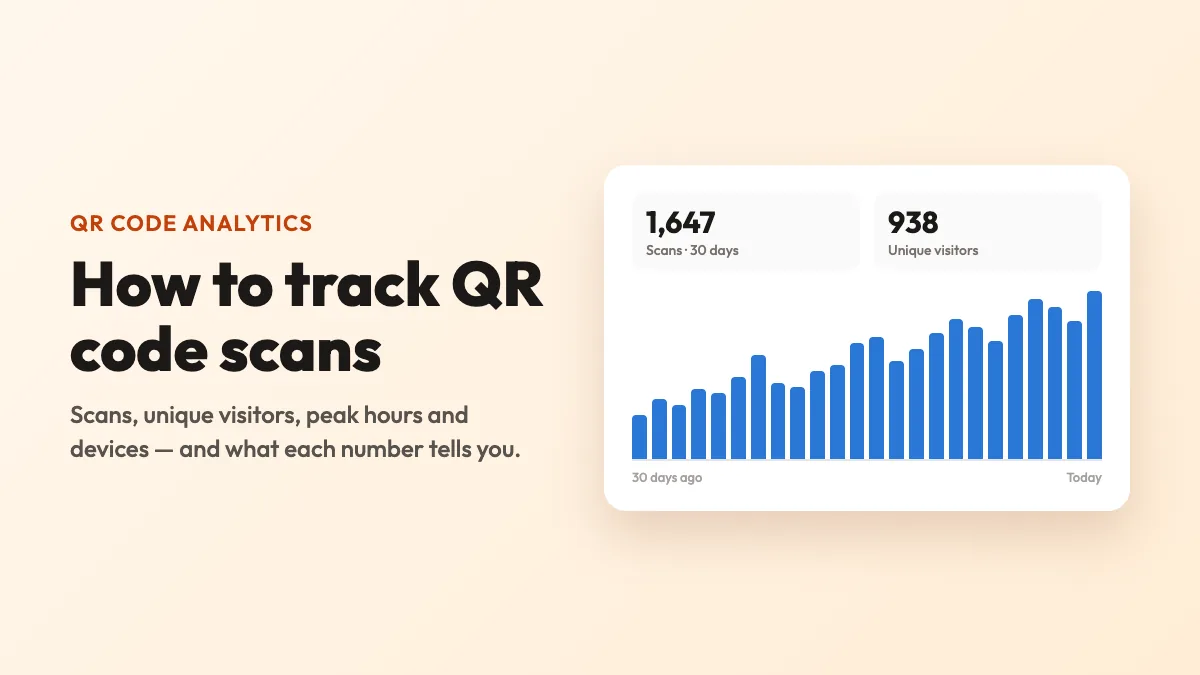
- Remove what isn't needed. Paste your link without extra tracking parameters if you're going to measure scans in the code's analytics anyway.
A dense code printed small is the classic failure: the same 2 cm code can scan immediately with a short link and fail with a 200-character one. Every extra character makes each module a little smaller. So if your code must be small, its content must be short.
Don't forget the quiet zone
The quiet zone is the empty margin around the code. It helps the phone find the code against everything else on the page. The QR standard calls for a margin of four modules on all sides. Downloads from Dynamic QR Tool already include this margin, so there are just two things to remember:
- Don't crop it. Designers often trim the white edge to line the code up neatly with text or an image.
- Don't place it on a busy background. If the artwork is a photo or pattern, keep the code on a solid light panel that includes its margin.
Which file to send to print
File format determines whether your code stays crisp when it's enlarged.
- SVG for print. It's a vector, so it stays sharp at any size, from a business card to a billboard. Most printers and design tools accept it.
- PNG for screens and quick jobs. It works well for slides, websites and documents, but it can blur when it's scaled up a lot.
- Don't screenshot your code. And don't save it as a low-quality JPEG, which blurs the edges of the modules.
On the Dynamic QR Tool generator, you can download both file types after creating the code, and you can add a frame with a call to action too.
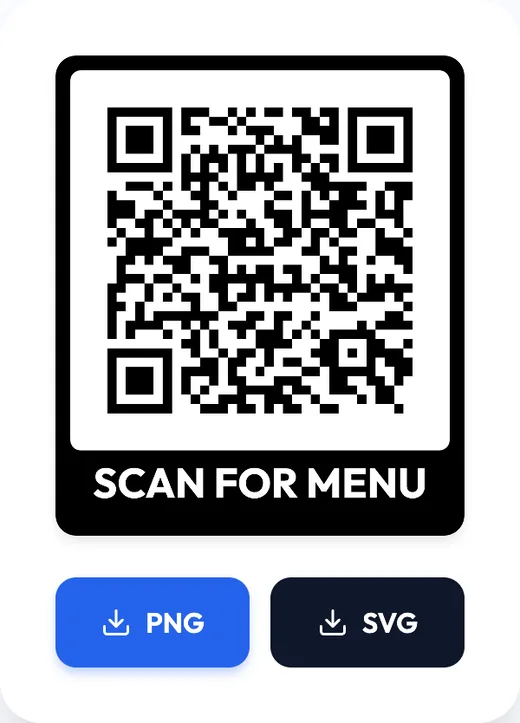
A frame adds height to the design, so leave room for it in the layout. The label also tells people why they should scan, which is often worth more than making the code bigger.
Things that change the size you need
- A logo in the centre. A logo hides some of the modules. Make the code slightly larger to be safe, and always test it.
- Curved surfaces. On bottles and cups, a code that wraps around a curve is distorted. Keep it small relative to the curve, or print it on a flat panel.
- Glossy or reflective material. Glare can hide part of the code. Choose matte where you can, or test it under the lights where it'll be displayed.
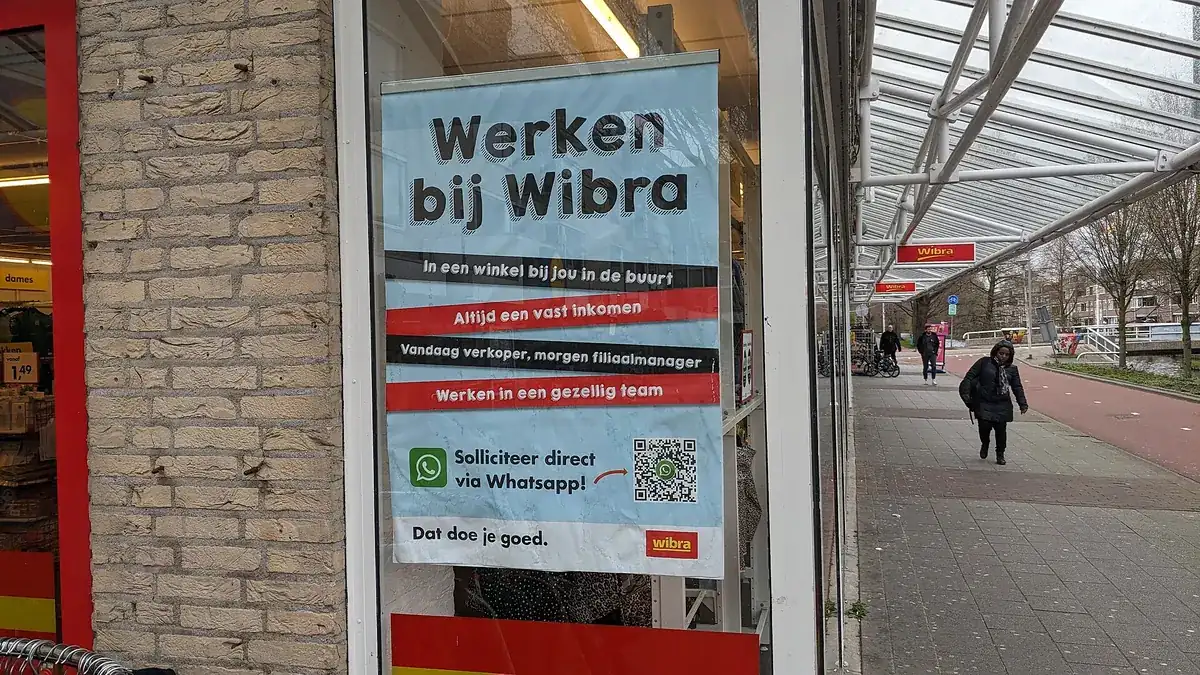
- Glass and windows. Reflections and glare can make codes hard to read at some angles. Position the code at eye level and test it in daylight, from outside.
- Low light. Menus in dim restaurants and posters at evening events need a bit more size than the rule suggests.
- Rough or absorbent materials. Ink can spread on fabric, cardboard and newsprint, so small modules blur together. Go larger than usual here.
- Height. Codes placed high up on walls are viewed at a sharp angle and from further away. Measure the diagonal distance, not just the floor distance.
Measure the real scanning distance, divide by ten, keep the content short and leave the quiet zone clear. Then print one at full size and test it where it'll actually hang.
Five-minute size test before you print
- Print the code at its final size, on any printer. A black-and-white office print is fine for checking size.
- Stick it where the final piece will go, or at the same height and distance.
- Stand at the realistic scanning distance. Don't take a step closer.
- Try it with at least two phones, one of them an older model, using the default camera app.
- Try it again at the worst likely time, such as in dim evening light or with sun on the glass.
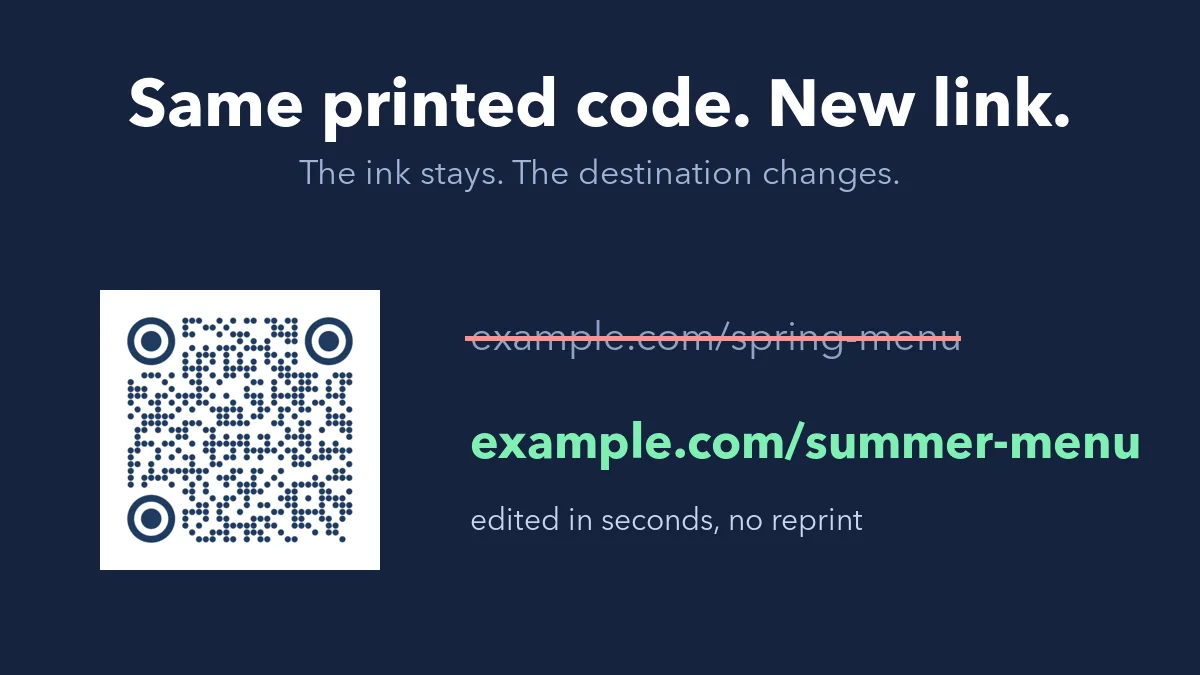
If it takes more than a couple of seconds to scan, go up a size. If you're running a campaign and do get the print wrong, a dynamic code at least lets you change the link after printing, although it can't change the physical size. That's why this test is worth the five minutes.
Quick answers
What is the minimum QR code size?
Around 2 × 2 cm (about 0.8 inches) is a sensible minimum for a code with short content, scanned at close range. You can go smaller only with very short content and high-quality printing, and you must test it.
Can a QR code be too big?
Rarely, as long as the whole code fits in the camera's view. People standing very close to a huge code just need to step back.
Does a bigger code need different data?
No. The data stays the same when the code gets bigger. Use the SVG file, and it can be scaled up with no loss of quality.
What about codes on screens and slides?
The same 10:1 rule applies. Measure the distance to the back of the room, and work out how wide the code will appear on the actual screen.
Cover photo: "Werken bij Wibra, Zevenkamp, Rotterdam (2023) 02" by Donald Trung Quoc Don, Wikimedia Commons, CC BY-SA 4.0.