A QR code on its own asks people to do work without telling them why. "Scan me" is better than nothing, but it still leaves the reader guessing what they'll get. A good QR code call to action answers that question in a few words: a discount, a menu, a video, a form that takes ten seconds. This guide gives you 50 QR code call-to-action examples sorted by goal, all short enough to fit a frame label, plus a simple formula for writing your own and the mistakes that quietly cut your scan rate.
Why the words around a QR code matter
People decide whether to scan in a second or two. They are walking past a poster, waiting at a table or flicking through a brochure. The code itself looks the same whether it leads to a coupon or a privacy policy, so the text next to it does all the persuading. In marketing this is simply a call to action: a short instruction that tells people what to do and what they get for doing it.
A clear CTA also sets expectations. If the label says "See tonight's menu" and the page opens on the menu, people trust the next code they see from you. If it opens a home page with a cookie banner, they don't.
The formula: verb + benefit + (time or effort)
- Start with a verb. Scan, get, see, watch, claim, book, join. The verb tells people what to do.
- Name the benefit. 20% off, the menu, the full specs, a free guide. This is the reason to bother.
- Add time or effort when it helps. "In 10 seconds", "today only", "no app needed". This lowers the cost in the reader's head.
- Keep it under 24 characters if it goes on the frame itself. Longer explanations belong in the text beside the code.
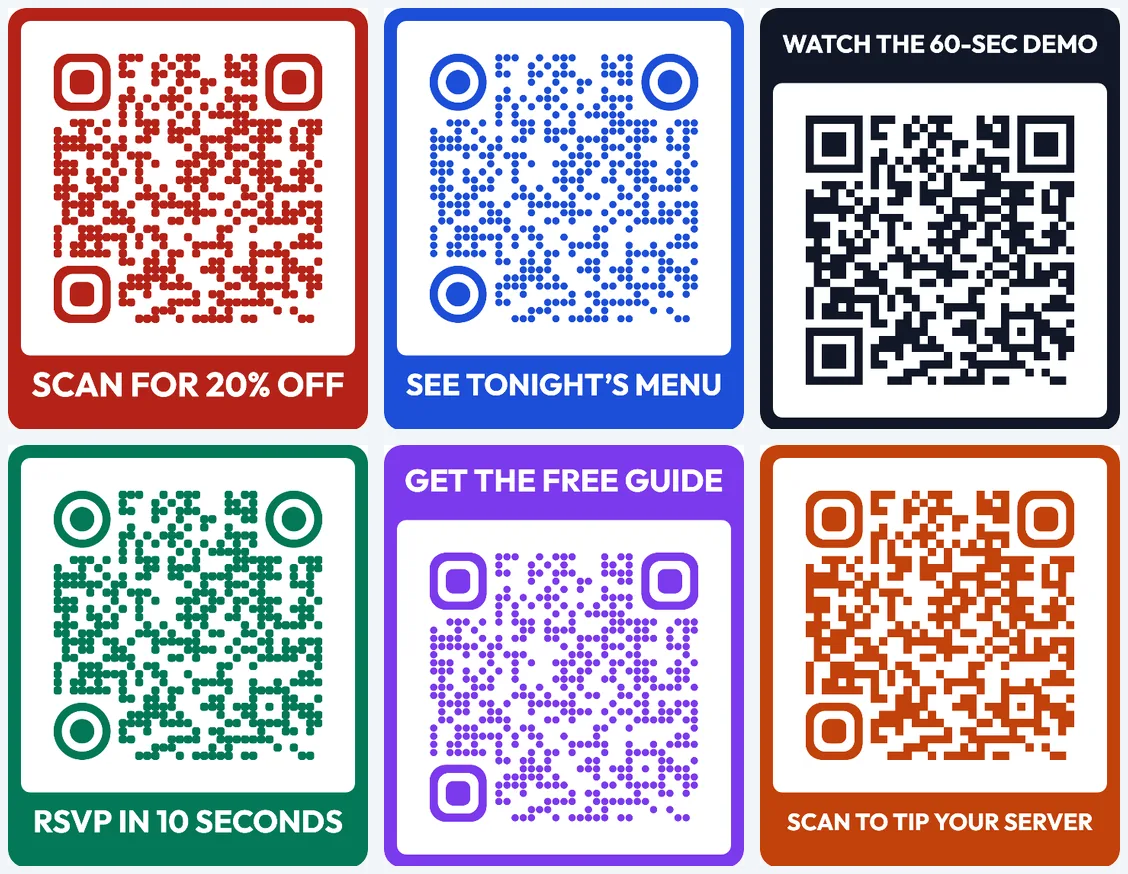
The six codes above were made in the free QR code generator on this site, each with a different label, colour and dot style. The label sits in a frame above or below the code, so it is printed as part of the code and can't be separated from it by a careless layout.
50 QR code call-to-action examples
Every example below is 24 characters or fewer, so you can use it directly as a frame label.
Discounts and offers (1–10)
- Scan for 20% off
- Get your deal
- Claim your free coffee
- Unlock today's offer
- Scan to save $5
- Get your coupon
- Members: scan for perks
- Spin to win a prize
- Free shipping: scan now
- Today only: scan to save
For offers, put the number in the label. "Scan for 20% off" beats "Scan for a discount" because the reader knows exactly what they're getting. If you print coupons that run for months, a dynamic QR code for coupons and promotions lets you swap the offer behind the same printed code when the deal changes.
Food and hospitality (11–18)
- See tonight's menu
- Scan to order
- Scan to tip your server
- Review us on Google
- Check allergens here
- Today's specials
- Guest Wi-Fi and info
- Book your next table
Information and content (19–28)
- Watch the 60-sec demo
- See the full specs
- Read the user manual
- Get the free guide
- Hear the story
- See it in 3D
- More photos inside
- How to use it
- Read the full article
- Download the brochure
Sign-ups and bookings (29–37)
- RSVP in 10 seconds
- Register now
- Book a free trial
- Join the waitlist
- Book a viewing
- Apply in 2 minutes
- Book your class
- Get event tickets
- Join our newsletter
Feedback and engagement (38–44)
- Rate your visit
- Tell us in 30 seconds
- Vote for your favourite
- Share your photos
- Ask the speaker
- Take our 1-min survey
- Join the live poll
Contact, social and support (45–50)
- Save my contact
- Follow us
- Chat with us
- Get help now
- Find this store
- Donate in one tap
Tell people what they get, not what to do with the camera. "See tonight's menu" earns more scans than "Scan me" because the reward is in the words.
Matching the CTA to where the code lives
| Placement | Reader's situation | CTA style that works |
|---|---|---|
| Poster or noticeboard | Walking past, a few seconds | Big benefit, very short: "Get event tickets" |
| Table tent or menu | Sitting, has time | Practical task: "Scan to order" |
| Product packaging | Holding the product | Extra value: "How to use it" |
| Billboard or vehicle | Far away, moving | Two or three words, high contrast: "Scan now" |
| Receipt or flyer | After the purchase | Reason to come back: "Scan for 20% off" |
On QR codes for posters, the label has to work from several metres away, so keep it short and use a strong colour contrast between the frame and the wall it hangs on. On a table or a box, there is room for a second line of normal text next to the code to explain the details.
Mistakes that cost you scans
- A CTA that over-promises. If the label says "20% off" and the page asks for a long sign-up first, people leave and remember it.
- A label that's too long to read. If the frame text needs a small font to fit, cut words instead.
- Low contrast. Pale text on a pale frame disappears. Keep the frame dark enough that white text stands out.
- Jargon. "Access our digital experience" says nothing. "Watch the demo" says everything.
- A page that doesn't load well on phones. The scan happens on a phone, so the page must load fast and read well on a small screen.
- A CTA you can't update. Offers end and pages move. With a dynamic code you can change the link after printing, so the label keeps telling the truth.
How to test which CTA works best
You don't need special software to compare two labels. Create two dynamic codes that point to the same page, each with a different frame label, and use them on two batches of the same flyer or on two similar locations. After a week or two, compare the scan counts for each code. The counts won't be a perfect experiment, because locations and days differ, but a large and consistent difference is a useful signal. Read how to track QR code scans for what each number in your statistics means.
When you've picked a winner, reuse the pattern: the same verb, the same kind of benefit, the same length. Over time your codes start to look familiar to your audience, and familiar codes get scanned.
Make your own in a minute
Open the dynamic QR code generator, paste your link, choose a frame above or below the code and type your label. Pick colours that match your brand and keep enough contrast. Download the PNG or SVG, test a printed copy with two different phones, and you're ready to print.
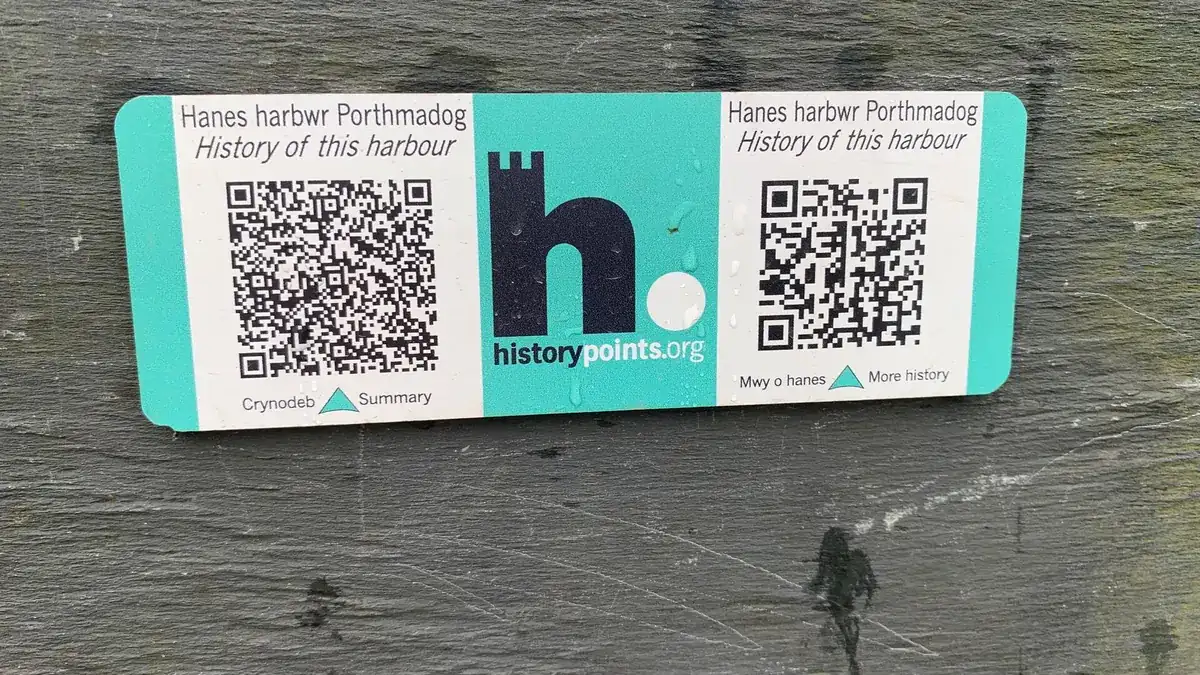
Cover photo: "HiPoints information QR code for the history of the harbour, Porthmadog" by Meirion, Wikimedia Commons, CC BY-SA 2.0.