Two copies of the same poster can get very different results depending on where they hang. One sits at eye level next to a bus stop and gets scanned all day; the other is above a doorway that people walk through without stopping. QR code placement decides whether people can scan at all, so it deserves as much thought as the design. This guide covers the principles that apply everywhere, then gives specific placement tips for posters, store windows, billboards, packaging, tables, print and events.
Five rules that apply to every placement
- Put it where people stop. Scanning takes a few seconds of standing still. Queues, waiting areas, tables, counters and doors where people pause are good; corridors and roads where people keep moving are not.
- Put it within reach of the camera. Roughly waist to eye height for signs, and on the flattest, most visible face of an object.
- Size it for the distance. A common rule of thumb is that the code should be at least a tenth of the scanning distance. Our QR code size guide has sizes for each format.
- Mind the light. Avoid spots in deep shadow, behind reflective glass facing the sun, or under a single strong light that causes glare.
- Check the signal. The code may scan, but the page still has to load. Basements, metro platforms and rural sites can have weak mobile data.
Posters and noticeboards
On a poster, place the code in the lower third, near the call to action, roughly between chest and eye height when the poster is hung. People read a poster from top to bottom; by the time they reach the bottom, they know whether they want to scan. A code at the very top or squeezed into a corner is easy to miss.
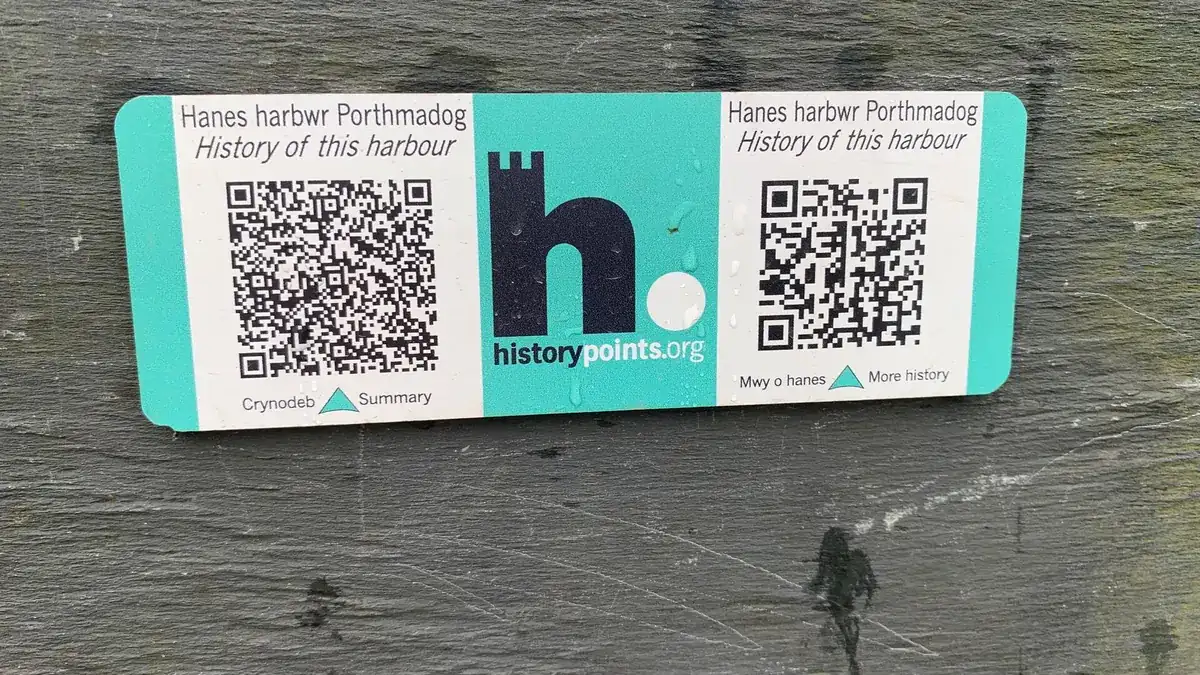
On shared noticeboards, posters get overlapped. Keep a clear margin around the code so it isn't covered by the next flyer pinned on top. For more layouts, see our page on QR codes for posters.
Store windows and doors
A window code works for people walking past when the shop is closed or busy. Put it on the glass beside the door at waist to chest height, where people naturally stand to look in, or on a card propped next to the featured product. Add the opening hours below it on a door.
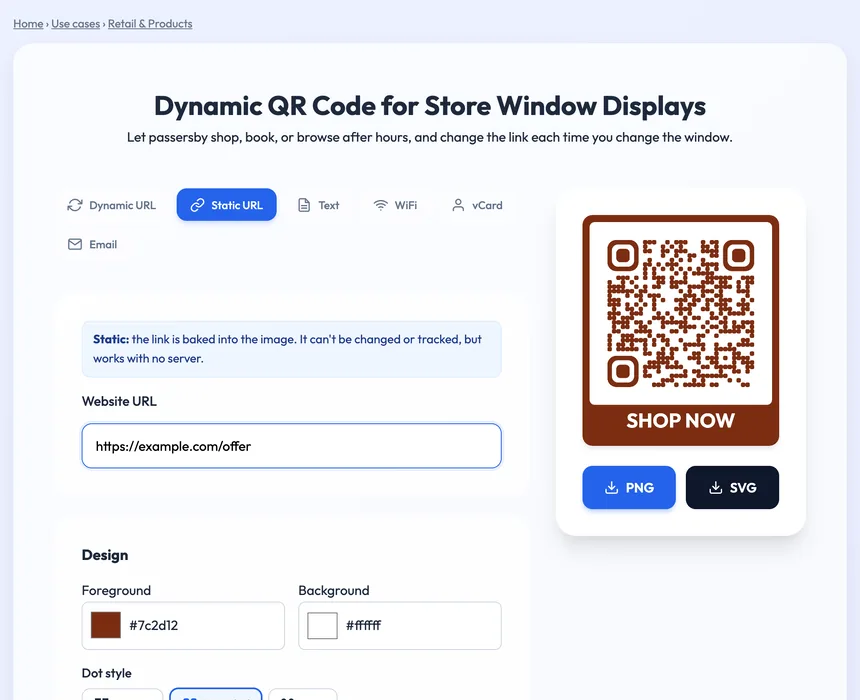
The store window QR code page above suggests a "Shop now" frame and shows the placements that work best for windows. Two window-specific traps: glass reflects light, so test at the times people actually pass, and a sticker on the inside of the glass is viewed through it, so make sure the code is printed the right way round and nothing is mirrored.
Billboards, transit and outdoor signs
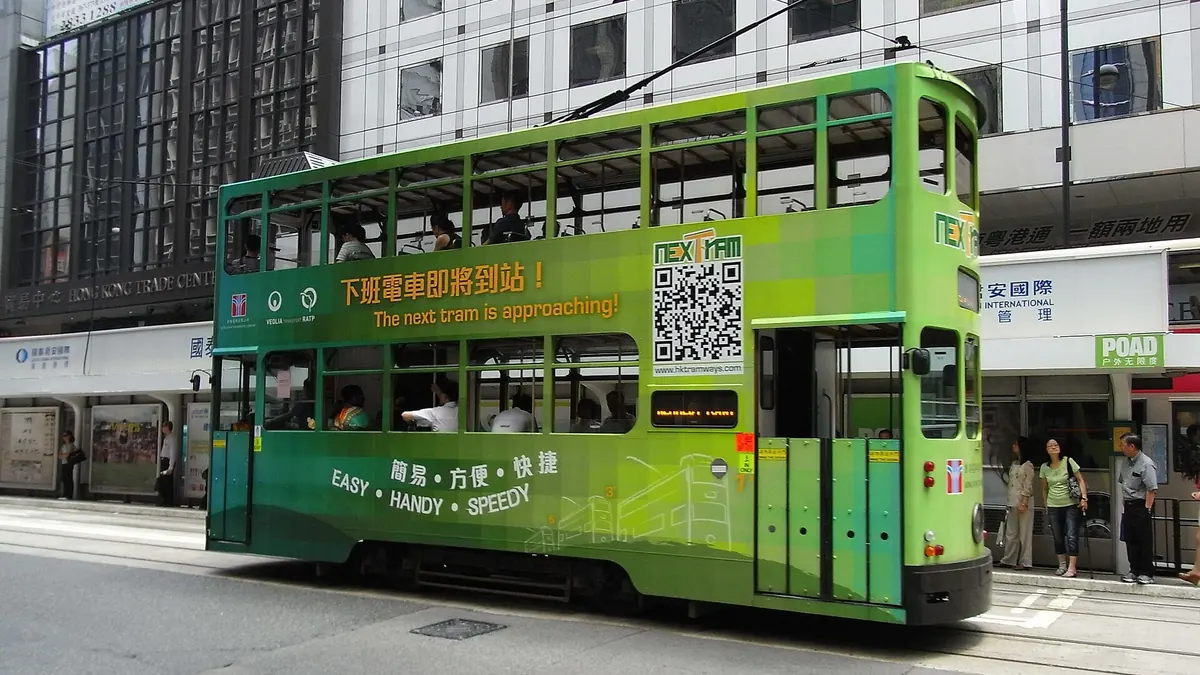
Billboards are the hardest medium for QR codes. Most people who see them are moving, many are driving, and the board is far away. Use QR codes on outdoor signs only where people wait: bus shelters, train platforms, taxi ranks, car parks and queues. There, size the code for the real distance and keep it low enough to reach comfortably. On a roadside billboard, a short web address is usually more useful than a code.
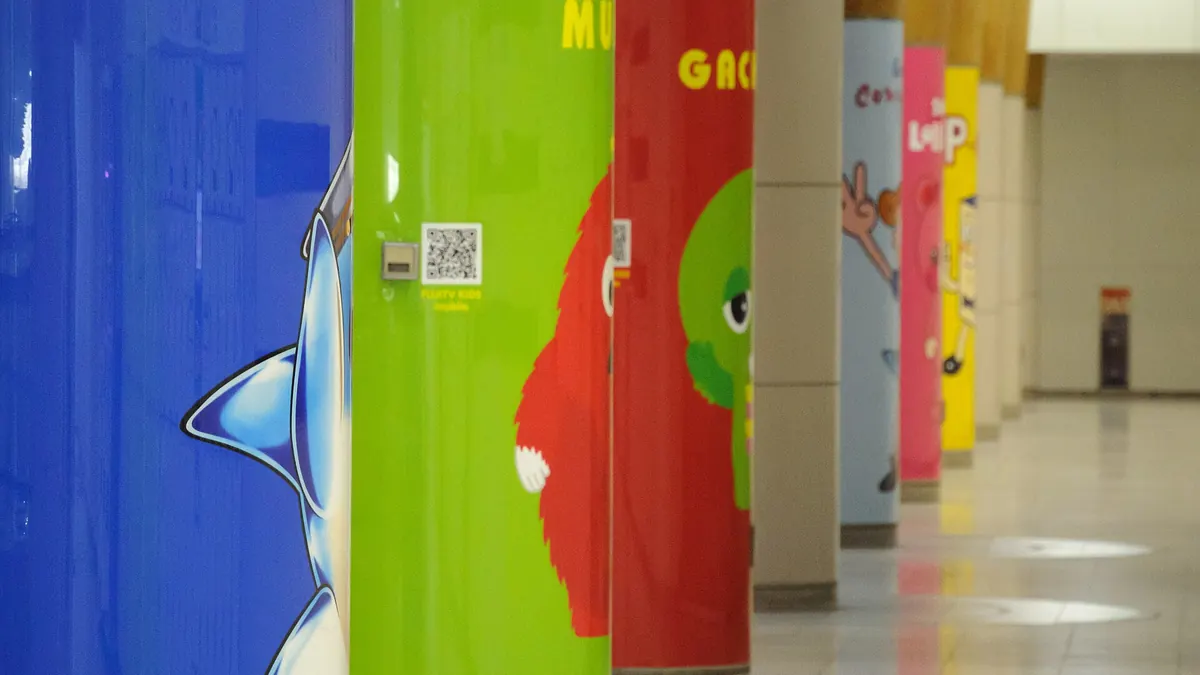
In stations and on platforms, pillars and wall panels next to where people stand are ideal, as on the cover photo. See QR codes for billboards for more on outdoor formats.
A QR code is only scannable where people stand still. Find the place your audience pauses, and put the code there, at a height their phone can reach.
Product packaging
- Choose a flat panel. Curved surfaces like bottles and cans bend the pattern. Use the flattest side or a label area, and keep the code small enough not to wrap around the curve.
- Avoid seams and folds. Codes printed across a fold, a seal or a crimp often fail.
- Think about the moment of use. A code for instructions belongs inside the lid or on the side people see when they open the box. A code for reviews or reorders belongs where people look after using the product.
- Keep it off the base unless the content only matters after purchase, such as warranty registration.
Our page on QR codes for product packaging covers labels and inserts in more detail.
Restaurants, cafés and tables
For menus and ordering, put the code on every table, not only at the entrance. Table tents, stickers on the table corner and the bottom of a printed menu all work. Keep table stickers away from the edge where cups and elbows rub, and use a wipe-clean material. At the counter, place the code at eye level beside the till for tips, reviews or loyalty sign-ups.
Flyers, brochures and business cards
People hold printed material close, so small codes are fine here, but placement still matters. On a flyer, put the code near the main offer, not alone on the back. On a folded brochure, keep the code away from the folds and on a panel people see without fully unfolding it. On a business card, the back is usual; make sure the code has a clear margin and isn't printed across a texture or foil.
Events, badges and stages
- Registration and check-in. Place codes at the start of the queue, not only at the desk, so people are ready when they arrive.
- Badges. Codes on badges are scanned at close range by other people, so the front, at chest height, works best.
- Stage screens. A code on a projected slide must be large and stay on screen long enough, at least 20 to 30 seconds, for people to raise their phones.
- Feedback and surveys. Put the code on the exit route and on the last slide, when people have both time and a reason to scan.
Where not to put a QR code
| Placement | Why it fails | Better option |
|---|---|---|
| Moving vehicles | Seen briefly, rarely scanned | Short URL, or a code at the vehicle's stop |
| High above doors | Too far and at an awkward angle | Beside the door at chest height |
| Across folds or seams | The pattern breaks | A flat panel with margin |
| Behind sunny glass | Glare hides the code | Shaded side or a matte sticker |
| Places with no signal | Scans, then won't load | Offer Wi-Fi or a lighter page |
For other ways a campaign loses scans, read QR code mistakes that kill your scan rate.
Use your scan data to find the best spot
Placement is easy to test with dynamic codes. Create a separate code for each location, such as the window, the counter and the table tents, all pointing to the same page. After a week or two, compare the scan counts. The place with the most scans tells you where to put your effort, and you can move the weaker copies without reprinting, because a dynamic code lets you change the link after printing. To start, open the free dynamic QR code generator and create one code per location.
Cover photo: "東京テレポート お台場 (8970302452)" by Tranpan23, Wikimedia Commons, CC BY 2.0.