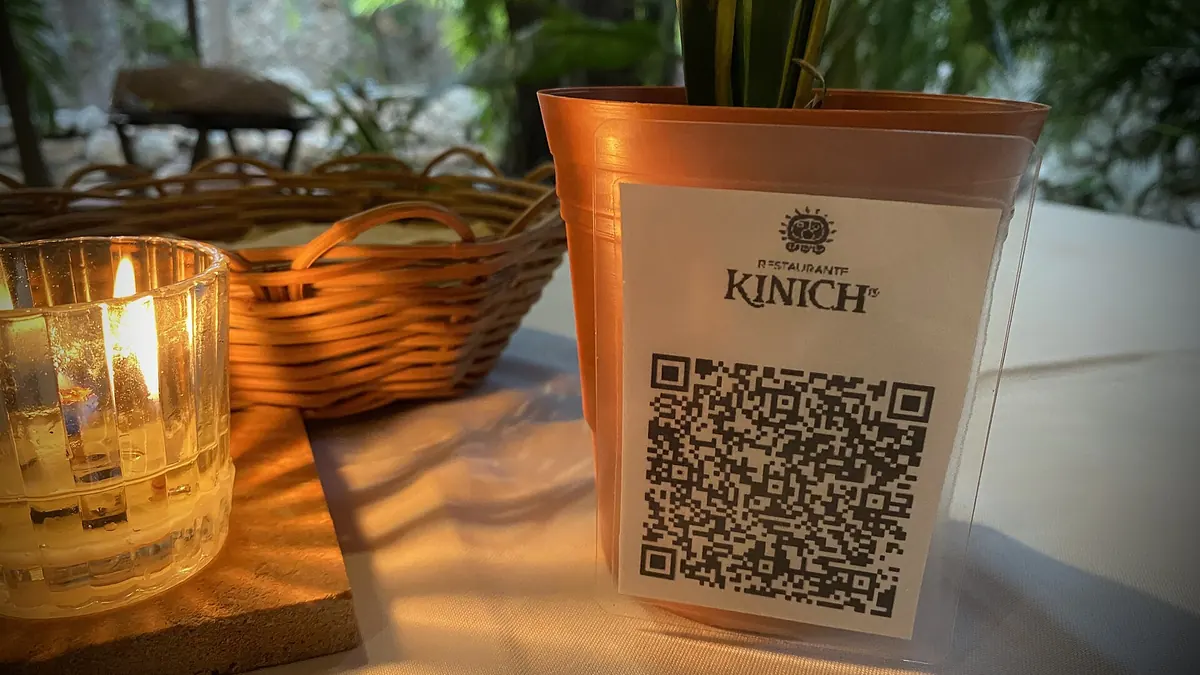
A sticker on the shop counter, a line on the menu, a slide at the end of your talk: every printed surface is a chance to win a follower. Asking people to type @your_brand_official rarely works. A QR code for Instagram or TikTok does: one scan and they're on your profile. The question is which code to use, where it should point, and how to stop it going stale the next time you change your handle or your favourite platform. This guide covers all three.
Option 1: the app's own QR code
Both Instagram and TikTok can show a QR code for your profile from the app's share-profile menu. It's quick, free and styled in the platform's look. For a one-off, it's fine. But it has limits worth knowing before you print a thousand flyers:
- It only points to that one profile. If you rename the account, move to a new one, or want to send people to TikTok next quarter, the printed code can't follow.
- You can't see scans. The app tells you about followers, not how many people scanned the code on your window versus the one on your business card.
- Design is limited. You get the platform's colours and layout, not your brand's, and usually no call-to-action frame.
Option 2: a dynamic QR code for your social profile
A dynamic code prints a short redirect link instead of your profile address. You choose the destination online and can change it any time without reprinting, which is the whole point of static vs dynamic QR codes. For social media that solves the three problems above:
| In-app QR code | Dynamic QR code | |
|---|---|---|
| Change destination after printing | No | Yes, any time |
| Works for several platforms | One profile only | Point to a profile or to a link-in-bio page |
| Scan statistics | No | Scans, unique visitors, devices, countries, time of day |
| Your colours and a CTA label | Limited | Yes |
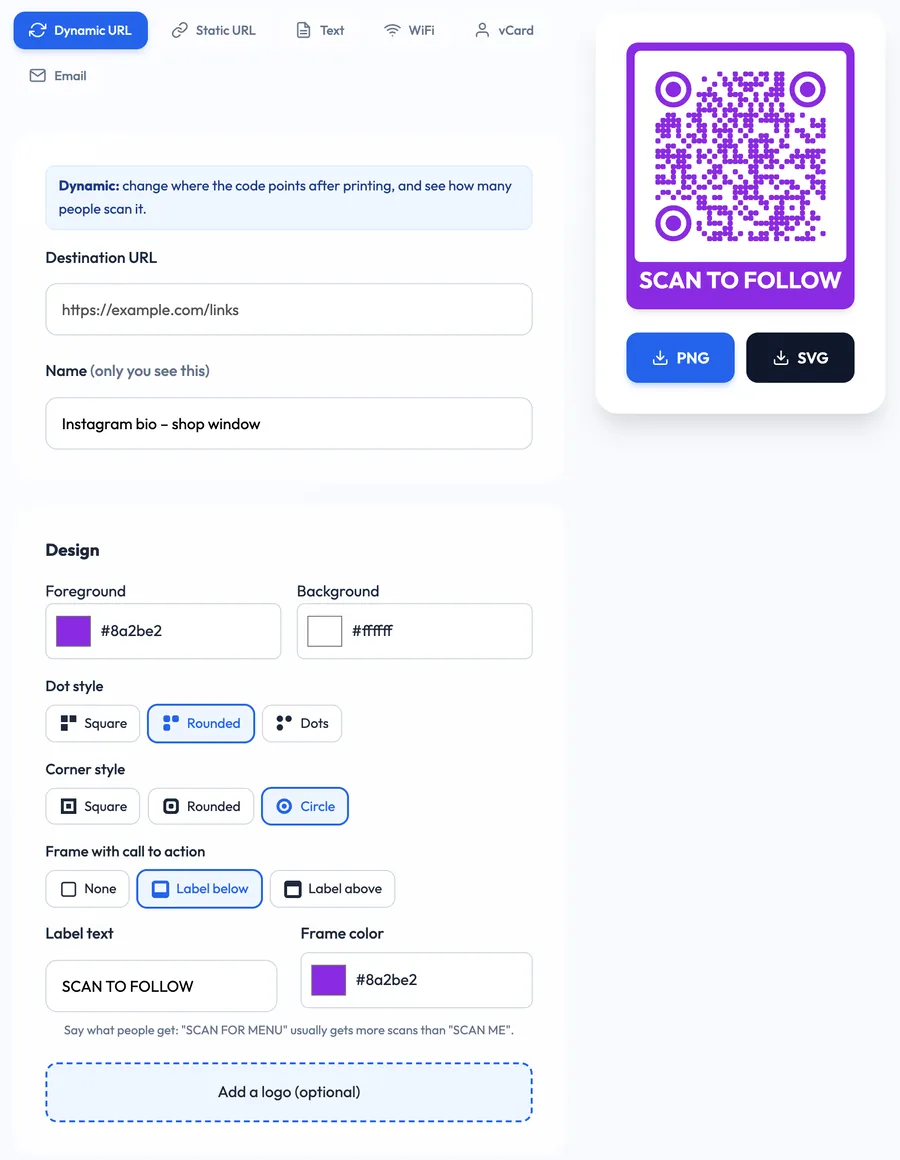
The free social media QR code generator makes this a two-minute job: paste the destination, give the code a private name, create it, then style it.
Where should the code point?
This is the decision that matters most. You have three good choices:
- Straight to one profile. Best when one account clearly matters most, for example a café that lives on Instagram. Use the full profile URL, like https://www.instagram.com/yourhandle/ or https://www.tiktok.com/@yourhandle.
- To a link-in-bio page. Best when you're active on several platforms or also want to offer a newsletter, shop or booking link. The same page you use in your bio works for print too, and a dynamic code means you can swap link-in-bio services later.
- To one specific post or campaign. A pinned reel for a launch, a giveaway post, a TikTok series. When the campaign ends, edit the destination back to your profile. Same printed code, no waste.
Print the code once, decide the destination later. For social media, where handles, platforms and campaigns change every few months, that flexibility is worth more than any design trick.
One thing to avoid: don't point the code at a link shortener (bit.ly and friends). Redirect chains slow the scan and hide the real destination, so dynamicqrtool.com rejects them. Use the real profile or page URL; the dynamic code already gives you a short link.
Instagram vs TikTok vs link-in-bio: quick picks
- Restaurants, cafés, salons: Instagram profile. People want to see photos of the food or the work before they follow.
- Creators and musicians: link-in-bio page, so fans can choose TikTok, YouTube, Spotify or merch.
- Shops and markets: Instagram for the window, a giveaway post at the till, then switch the till code back to the profile when the giveaway ends.
- Events and conferences: the event's account during the event, the photo album post afterwards.
- Freelancers: on a QR code for business cards, a link-in-bio page usually beats a single platform, because clients look for portfolio, contact details and social proof together.
Design it so people actually scan
A social QR code competes with everything else on the wall. Small details make a big difference:
- Add a call to action. "SCAN TO FOLLOW" or "SEE OUR REELS" tells people what they'll get. A bare code says nothing. Our list of 50 QR code call-to-action examples has more ideas.
- Use brand colours, but keep contrast. A dark foreground on a light background scans reliably. Pale pink on white or a light code on a dark photo often doesn't. See QR code colours for safe combinations.
- Add the platform icon nearby, or as a small logo. People recognise the Instagram or TikTok glyph instantly. If you put a logo in the middle, keep it small and test the code.
- Print it big enough. As a rough rule, the code should be at least 2 cm (0.8 in) wide for something held in the hand, and much larger for a window or poster that people scan from a few metres away. The QR code size guide has the distance formula.
- Write the handle under the code. Some people will search instead of scanning. Give them the exact spelling.
Where to put an Instagram or TikTok QR code
- Shop windows and doors. A large code on a store window display works even when you're closed. Place it at eye level and away from reflections.
- Counters and tills. People are standing still and often waiting. Perfect scan moments.
- Receipts, bags and packaging. The customer has just bought something and is most likely to follow.
- Menus and table tents. "Tag us in your photo" next to the code turns guests into content.
- Business cards and email signatures. Small, so use a simple design and a link-in-bio destination.
- Slides at the end of a talk. Leave the code on screen for at least 30 seconds while you take questions.
Track which placement brings followers
Platforms show follower counts, not where those followers came from. If you create one dynamic code per placement (window, menu, business card), each code gets its own dashboard with total scans, unique visitors, devices, countries, cities and a day-by-hour heatmap. After a month you'll know whether the window sticker or the receipt is doing the work. The difference between total and unique numbers matters here, as explained in unique vs total QR code scans.
Want to see what people do after the scan, such as clicks on your link-in-bio page? Add UTM parameters to the destination if your link-in-bio tool supports analytics.
Step by step: make your social media QR code
- Open the free dynamic QR code generator or the social media page.
- Paste your profile, link-in-bio or post URL. Name the code after where it will be printed ("Window – Instagram").
- Create the code and save the private manage link (or log in so it's kept for you).
- Pick colours, dot and corner style, and add a frame with a CTA label.
- Download PNG for screens and quick prints, SVG for professional printing.
- Test the code with two different phones before printing.
- When your handle, platform or campaign changes, open the manage page and edit the destination.
That's it: one code that keeps working while your social presence evolves, and the numbers to prove which printed spot earns its place.